Utility Operations & Asset Management Software
Connect locations, assets, tasks, compliance records, notices, and field activity in one platform built for utilities, service providers, and property owners.
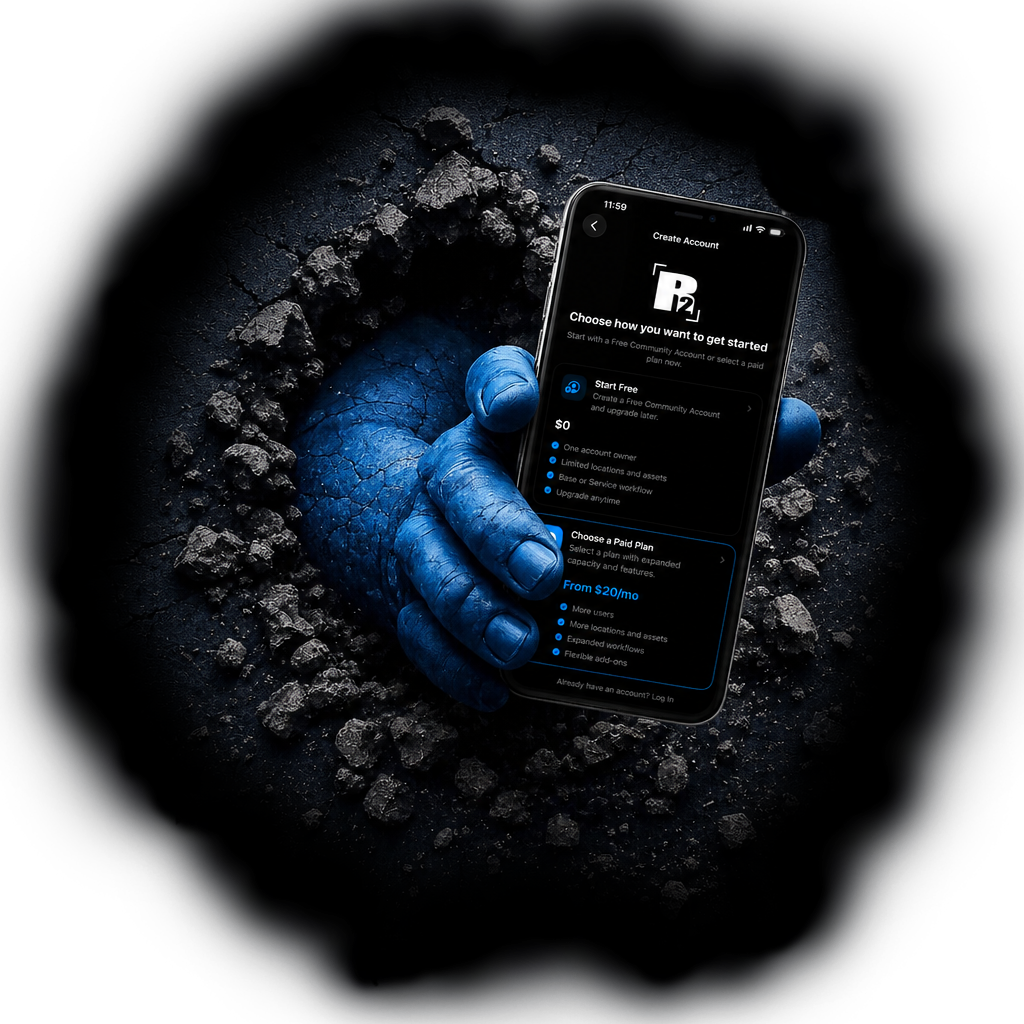
Work From the Office or the Field
Access locations, assets, tasks, and connected records from wherever work happens.

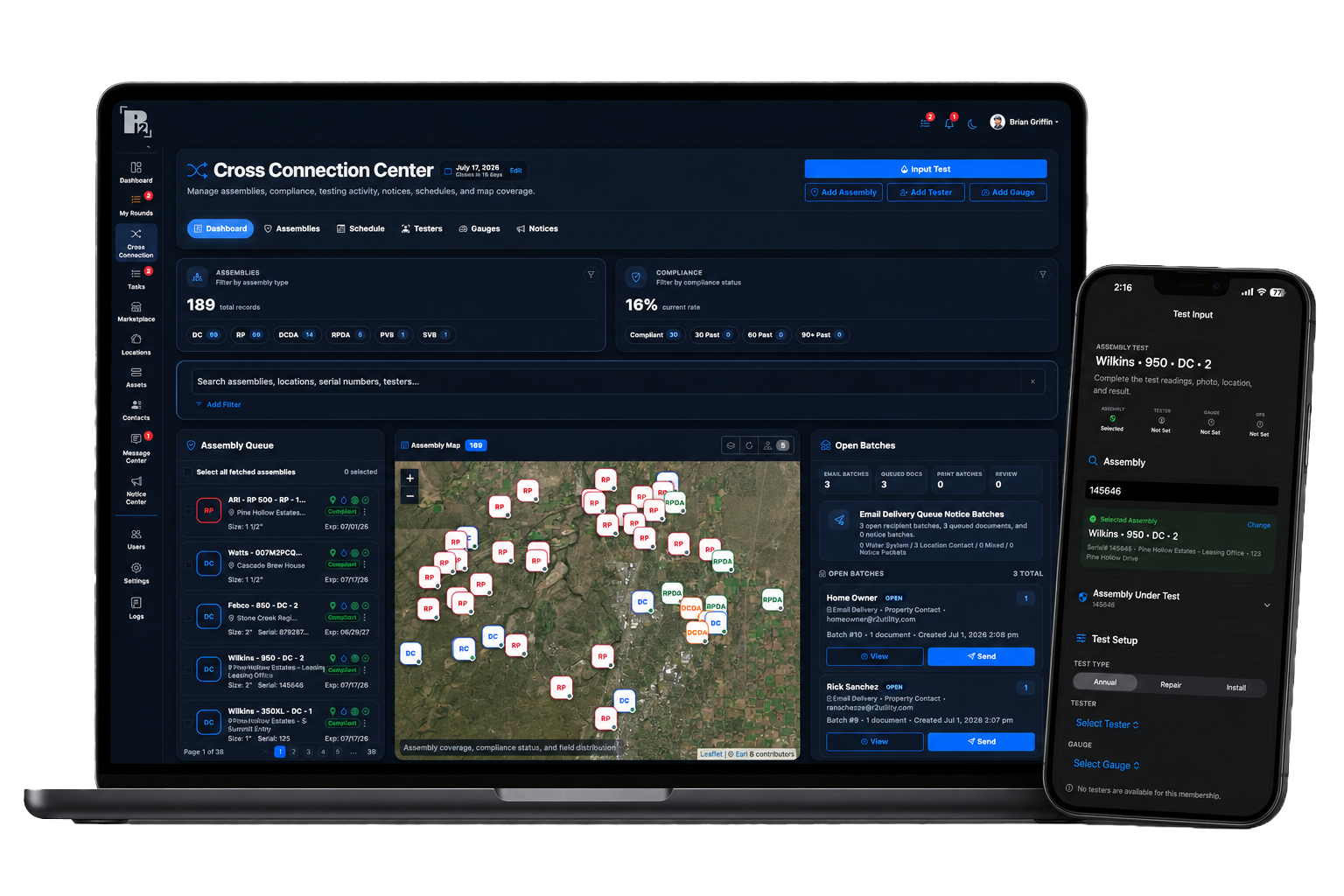
Cross Connection Module Now Available
Manage your Cross Connection Control Program with connected assembly records, tester activity, notices, and compliance tracking.
One Platform. Multiple Ways to Work.
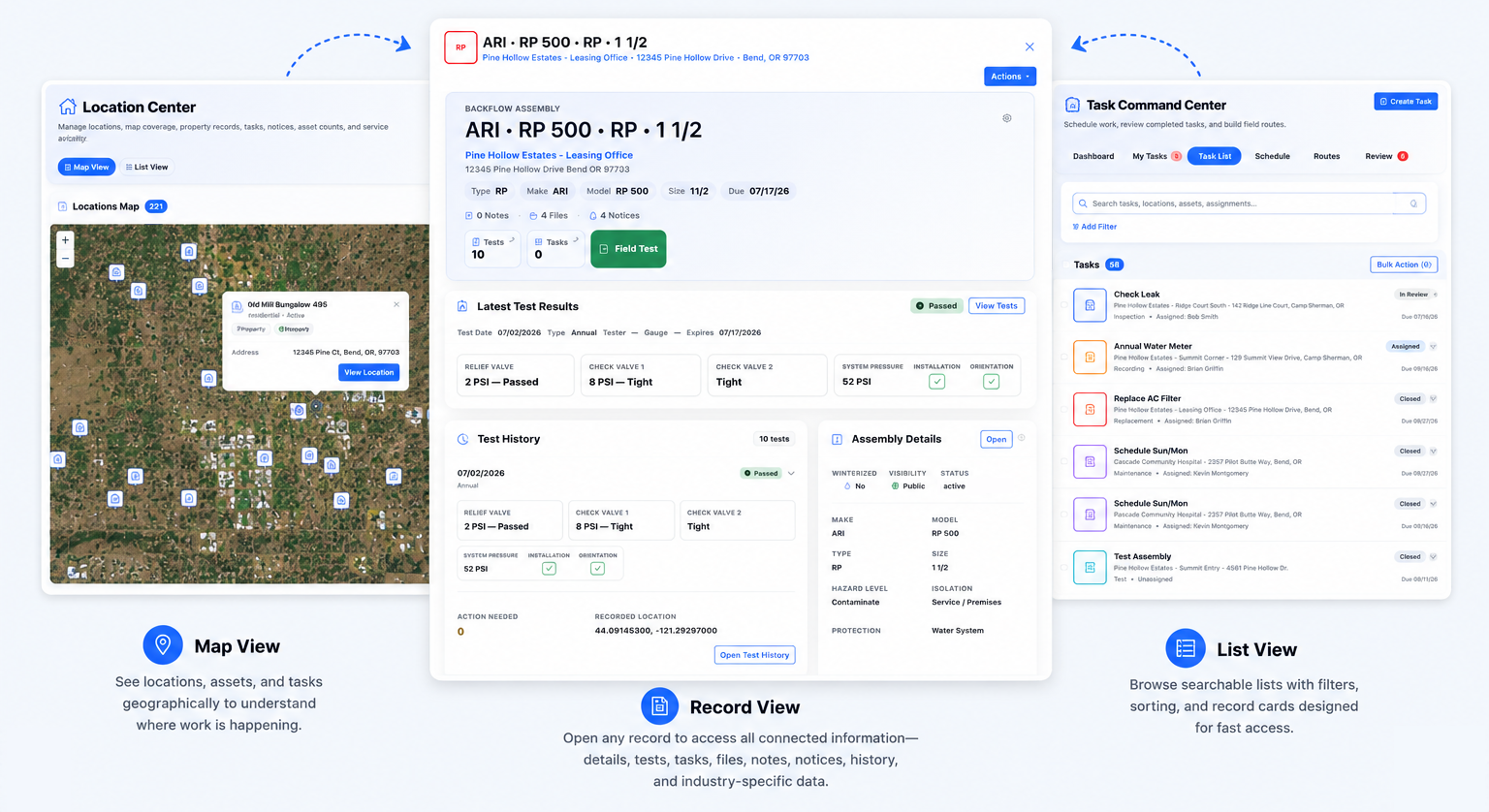
Find records through an interactive map or organized lists, then open any location, asset, or task to access connected information, activity, files, notices, history, and industry-specific details.
A Complete Cross Connection Workflow
Manage assemblies, compliance, digital testing, notices, and reporting from one connected platform designed for modern Cross Connection Control Programs.
Cross Connection is included with paid subscriptions during your free trial.
Manage the Records That Keep Operations Moving
R2 helps you organize the essential records behind your daily work, from assets and service locations to tasks, contacts, notices, files, and reports.
Locations & Assets
Keep service locations, assets, assemblies, equipment, and related records organized in one place.
Tasks & Field Work
Assign, track, and complete work tied directly to the location or asset it belongs to.
Contacts & Communication
Keep customer, property, tester, vendor, and internal contacts connected to the right records.
Files, Notices & Reports
Store supporting files, send notices, generate reports, and keep activity history easy to review.
Replace Scattered Records With Connected Operations
R2 brings your operational records, workflows, and communication into one connected platform, helping your team spend less time searching for information and more time getting work done.
Disconnected Workflows
- Scattered records and disconnected information
- Paper forms, spreadsheets, and manual processes
- Time lost searching for the latest information
- Limited visibility across people, assets, and locations
Connected Operations
- One connected platform for operational records
- Locations, assets, tasks, notices, and files linked together
- Faster workflows with less manual follow-up
- Better visibility from the office to the field
Built for Different Roles Across Connected Operations
R2 supports utility systems, service providers, and property owners with tools built around the way they manage records, assets, compliance, and operational activity.
Utility Systems
Organize locations, customer records, assemblies, notices, testing activity, and compliance visibility across your utility system.
Service Providers
Keep customers, service locations, testing records, reports, and operational communication organized between office and field staff.
Property Owners
Access shared records, receive notices, track assets, and maintain visibility across locations and compliance activity.
Put R2 to Work Before Your First Payment
Choose the subscription that fits your organization and start using R2 free for your first 30 days. Set up your account, add records, explore workflows, and see how R2 fits your day-to-day operation.
Have questions before signing up? Schedule a personalized demo and we can walk through R2 with you.
Already Have Records? Bring Them With You.
Getting started with R2 does not have to mean rebuilding your database from scratch. Professional Data Import Services can help bring existing Locations, Assets or Assemblies, and Contacts into your account as part of your onboarding process.
Getting Started With R2 Is Simple
Choose your subscription, start your free trial, and begin building your R2 workspace. Our team is available to help you configure your account, organize your records, and learn the platform.
Need help deciding which subscription is right for you? Schedule a demo.
Choose the Right Subscription for How You Use R2
Start by selecting the subscription type that matches your role, then choose the level that fits your user seats, assets, and locations.
Choose Your Subscription Type
For property owners and organizations managing locations, contacts, assets, files, and operational records.
Start Property TrialFor service providers managing customers, service locations, backflow testing, digital reports, and field activity.
Start Service TrialFor utility systems managing locations, contacts, assets, notices, program records, and system-wide activity.
Start System TrialEach subscription type is built on the same core R2 platform, with tools and modules aligned to how your organization operates.
Select Your Subscription Level
Levels scale by included User Seats, Assets, and Locations.
Learn More, Get Help, or Explore the Platform
Explore the platform, find helpful guides, learn about onboarding, or schedule a personalized consultation if you have questions before getting started.
Explore the Platform
Learn how R2 organizes locations, assets, contacts, records, workflows, and modules in depth.
Learning Center
Find section overviews, FAQs, helpful tips, and step-by-step guides for using R2.
Onboarding & Data Import
Learn how to get started with R2 and explore professional data import options for existing locations, assets, assemblies, and contacts.
Need a Personalized Walkthrough?
Schedule time with us if you have questions or want to discuss how R2 could fit your organization.
Start Using R2 Today
Choose the subscription that fits your organization and see how R2 works with your actual records, workflows, assets, and day-to-day operations.